SIOR Fall 2026 Event: New York City
Get ready to take the main stage at SIOR Global's Fall 2026 Event!
SIOR Global’s social media accounts will be a great place for conversation before, during, and after the event. Be sure to follow us on Facebook, LinkedIn, X, and Instagram for the latest updates on conference events and activities. Let’s make this event unforgettable, together!
Available Assets:
- Customizable Badge Graphics (Add Your Own Headshot/Logo!)
- Generic Badge Graphics (No Customization Needed)
- Sample Social Media Posts for All Platforms
Remember to Use & Follow the Hashtag: #SIORFall26
Use any of the assets or captions below to spread the word!
Generic graphics. No customization needed.
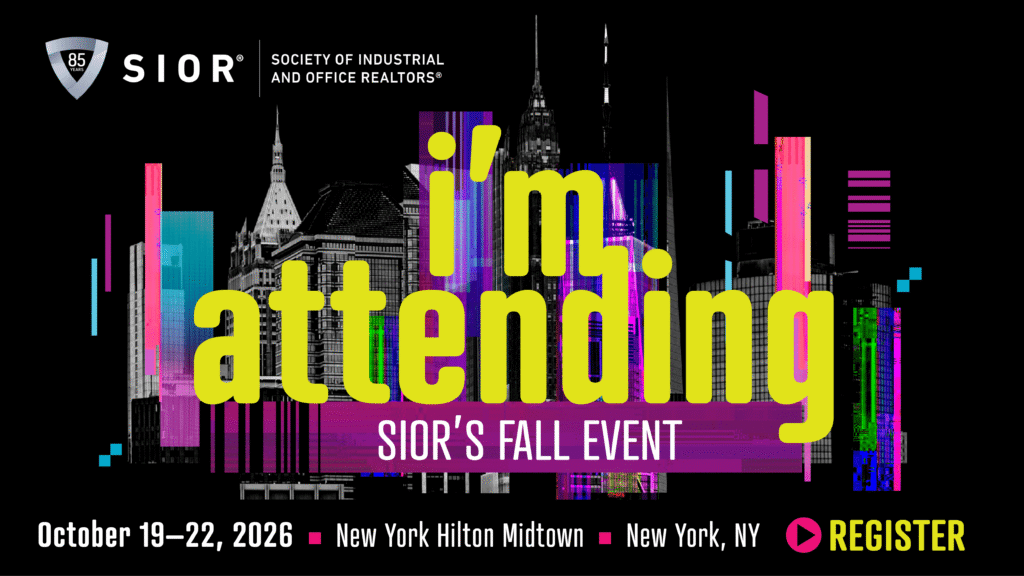
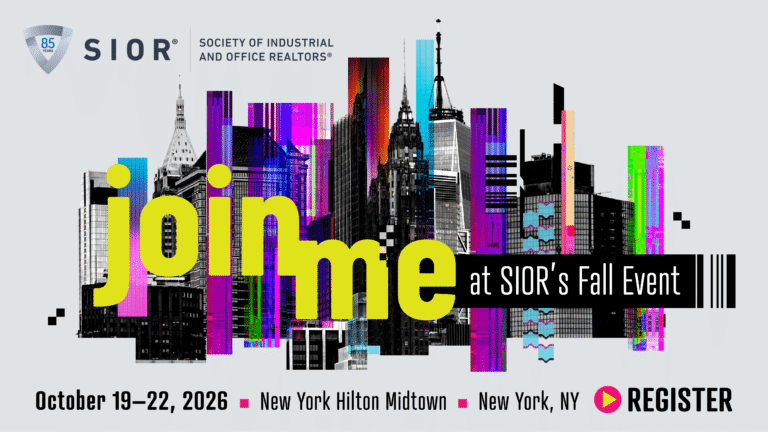
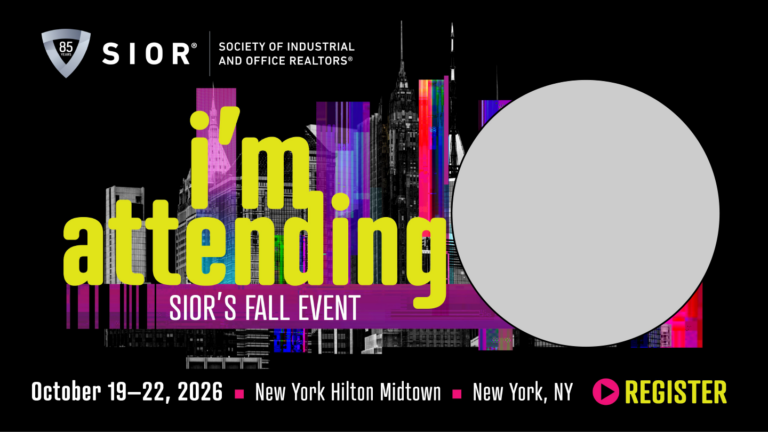
Customization Instructions (PPT):
- Download each and open with MS PowerPoint.
- Click on “Pictures” icon in the placeholder box and insert your headshot.
- File > Save As > Portable Network Graphics (.png)
Customization Instructions (Canva):
- Select link and open Canva (or download the app for mobile!).
- Click on the picture placeholder, click “replace,” and insert your headshot.
- Click the three dots located near the top right. Select “Download.”
SAMPLE SOCIAL MEDIA POSTS
Below are some sample posts you can use directly or as inspiration. We love seeing the creativity of SIORs! Don’t forget the official conference hashtag: #SIORFall26
Please Note: Facebook and LinkedIn require manual tagging, so simply copying and pasting these posts will not tag us. You will need to type the tag and then select our page from the dropdown!
- October 19-22, New York City: Join me at SIOR's Fall 2026 Event. This year’s event is especially significant as SIOR celebrates its 85th anniversary, a milestone honoring decades of excellence and leadership in CRE! I'd love to see you there: www.sior.com/nyc @SIORGlobal #SIORFall26
- It’s an SIOR State of Mind. I can’t wait to dive into new strategies and learn from the best in the industry at SIOR’s Fall Event in New York City, October 19-22. Hope to see you there—let’s make it count: www.sior.com/nyc #SIORFall26 @SIORGlobal
- New York City, here I come! SIOR’s Fall Event comes to New York City, the market that sets the pace for what’s next, bringing together the most accomplished CRE professionals from around the world. Will you be there? #SIORFall26 www.sior.com/nyc @SIORGlobal
- October 19-22, New York City: Join me at SIOR's Fall 2026 Event, for top-notch networking, fresh insights, and a whole new level of connection in CRE! I'd love to see you there: www.sior.com/nyc @SIORGlobal #SIORFall26
- New York City is calling! SIOR’s Fall 2026 Event is the ultimate CRE experience—high-level networking, expert insights, and the best in the business all in one place. I can’t wait to connect and grow my network. Join me! www.sior.com/nyc #SIORFall26 #CRE @SIORGlobal
- It’s an SIOR State of Mind. I’m headed to SIOR’s Fall Event in New York City, October 19-22—join me for top-notch networking, fresh insights, and a whole new level of connection in CRE. www.sior.com/nyc #SIORFall26 @SIORGlobal
- Already counting down to SIOR’s Fall Event in New York City, October 19-22! Excited to share ideas with the best in the business as SIOR celebrates its 85th anniversary, a milestone honoring decades of excellence and leadership in CRE. Will you be there? www.sior.com/nyc #SIORFall26 @SIORGlobal
- Who else is registered for #SIORFall26? 🙋 I'll see you there! If you haven’t signed up yet, head over to www.sior.com/nyc #CRE #SIOR @SIORGlobal
For more assistance, contact us at [email protected].
Use any of the assets or captions below to spread the word!
Generic graphics. No customization needed.
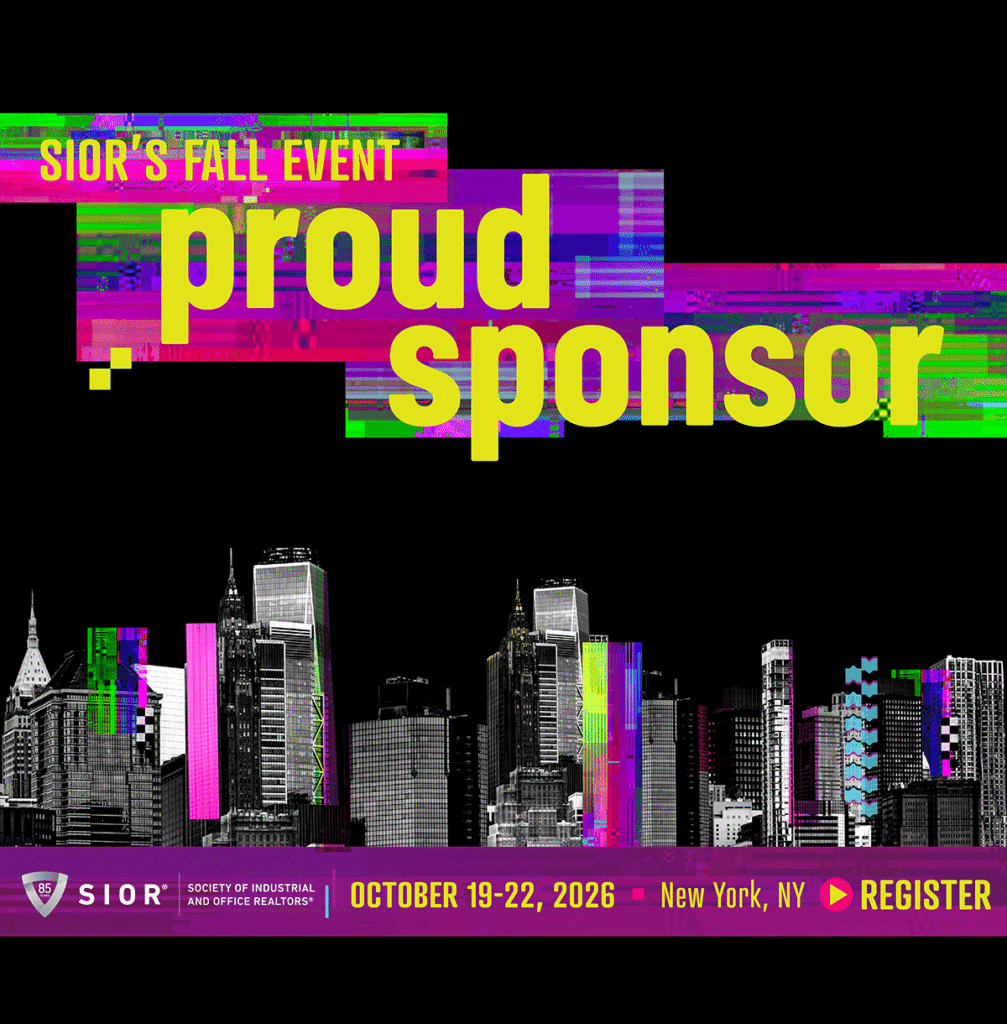
Customization Instructions (PPT):
- Download each and open with MS PowerPoint.
- Click on “Pictures” icon in the placeholder box and insert your headshot.
- File > Save As > Portable Network Graphics (.png)
Customization Instructions (Canva):
- Select link and open Canva (or download the app for mobile!).
- Click on the picture placeholder, click “replace,” and insert your headshot.
- Click the three dots located near the top right. Select “Download.”
SAMPLE SOCIAL MEDIA POSTS
Sponsors are encouraged to promote their time at the event! Below are some sample posts you can use directly or as inspiration. Make sure to replace any content within [brackets]. Don’t forget the conference hashtag: #SIORFall26
Please Note: Facebook and LinkedIn require manual tagging, so simply copying and pasting these posts will not tag us. You will need to type the tag and then select our page from the dropdown!
- Proud to be a sponsor at SIOR's Fall 2026 Event in New York City, happening October 19-22. We look forward to seeing you all there! If you are not signed up yet, sign up today: www.sior.com/nyc @SIORGlobal #SIORFall26
- Ready for SIOR's Fall 2026 Event in New York City? We are. As proud sponsors of [item from your sponsor package], we’re looking forward to top-notch networking and legendary insights. Secure your spot now: www.sior.com/nyc @SIORGlobal #SIORFall26
- It’s an SIOR State of Mind. We’re proud to sponsor @SIORGlobal at SIOR's Fall 2026 Event in New York City—where top producers connect, trusted advisors exchange insight, and global relationships become local advantage. Join us October 19-22: www.sior.com/nyc #SIORFall26
- We're forging powerful relationships as a #sponsor at #SIORFall26 in New York City, October 19-22. Join us for top-tier #CRE insights and high-stakes networking. Don’t miss it: www.sior.com/nyc @SIORGlobal
- What happens at #SIORFall26 defines the future of CRE. Proud to support @SIORGlobal and looking forward to an incredible event in New York City, October 19-22. Register now: www.sior.com/nyc
- It’s an SIOR State of Mind. We’re excited to sponsor [item from your sponsor package] and connect with the industry's best. Secure your seat now: www.sior.com/nyc @SIORGlobal #SIORFall26
- The best in #CRE are gathering for SIOR's Fall 2026 Event in New York City. As sponsors, we’re ready for top-notch networking and legendary insights. See you October 19-22. #SIORFall26 @SIORGlobal
For more assistance, contact us at [email protected].
Use any of the assets or captions below to spread the word!
Generic graphics. No customization needed.
Customization Instructions (PPT):
- Download each and open with MS PowerPoint.
- Click on “Pictures” icon in the placeholder box and insert your headshot.
- File > Save As > Portable Network Graphics (.png)
Customization Instructions (Canva):
- Select link and open Canva (or download the app for mobile!).
- Click on the picture placeholder, click “replace,” and insert your headshot.
- Click the three dots located near the top right. Select “Download.”
SAMPLE SOCIAL MEDIA POSTS
Sponsors are encouraged to promote their time at the event! Below are some sample posts you can use directly or as inspiration. Make sure to replace any content within [brackets]. Don’t forget the conference hashtag: #SIORFall26
Please Note: Facebook and LinkedIn require manual tagging, so simply copying and pasting these posts will not tag us. You will need to type the tag and then select our page from the dropdown!
- It’s time to reconnect, and what better place than the ultimate #CRE event of the Fall? Find [your company name] at SIOR's Fall Event in New York City, October 19-22. Let’s talk deals, insights, and the future of commercial real estate. See you there: www.sior.com/nyc @SIORGlobal #SIORFall26
- Join us where big deals and bold ideas come to life—SIOR's Fall 2026 Event in New York City! We’ll be exhibiting at [booth #], ready to connect and shape the future of CRE. Don’t miss it: www.sior.com/nyc @SIORGlobal #SIORFall26
- Elevate your #CRE game with us at SIOR’s Fall Event in New York City October 19-22. [Your company name] is bringing game-changing solutions and setting the pace for what's next. Meet us there: www.sior.com/nyc @SIORGlobal #SIORFall26
- Ready to connect with top #CRE leaders at SIOR’s Fall 2026 Event? Don’t miss [your company name] at [booth #], where we’ll be showcasing [products/service]. Let’s talk business, October 19-22. Learn more at www.sior.com/nyc @SIORGlobal #SIORFall26
- The #CRE landscape is always evolving—and SIOR’s Fall Event is where the biggest moves happen. We’re exhibiting at [booth #] and can’t wait to connect, October 19-22 in New York City. Register now: www.sior.com/nyc #SIORFall26
- Proud to be part of #SIORFall26, October 19-22! Come find us at [booth #] and let’s talk about shaping the future of #CRE. See you in NYC: www.sior.com/nyc @SIORGlobal #SIORFall26
- Gearing up for an exciting time at SIOR’s Fall 2026 Event! We’ll be exhibiting at [booth #], ready to talk business, deals, and the future of #CRE. Who’s joining us in New York City? #SIORFall26 @SIORGlobal
For more assistance, contact us at [email protected].
Use any of the assets or captions below to spread the word!
Generic graphics. No customization needed.
Customization Instructions (PPT):
- Download each and open with MS PowerPoint.
- Click on “Pictures” icon in the placeholder box and insert your headshot.
- File > Save As > Portable Network Graphics (.png)
Customization Instructions (Canva):
- Select link and open Canva (or download the app for mobile!).
- Click on the picture placeholder, click “replace,” and insert your headshot.
- Click the three dots located near the top right. Select “Download.”
SAMPLE SOCIAL MEDIA POSTS
Sponsors are encouraged to promote their time at the event! Below are some sample posts you can use directly or as inspiration. Make sure to replace any content within [brackets]. Don’t forget the conference hashtag: #SIORFall26
Please Note: Facebook and LinkedIn require manual tagging, so simply copying and pasting these posts will not tag us. You will need to type the tag and then select our page from the dropdown!
- It’s time to reconnect, and what better place than the ultimate #CRE event of the Fall? Find [your company name] at SIOR's Fall Event in New York City, October 19-22. Let’s talk deals, insights, and the future of commercial real estate. See you there: www.sior.com/nyc @SIORGlobal #SIORFall26
- Join us where big deals and bold ideas come to life—SIOR's Fall 2026 Event in New York City! We’ll be exhibiting at [booth #], ready to connect and shape the future of CRE. Don’t miss it: www.sior.com/nyc @SIORGlobal #SIORFall26
- Elevate your #CRE game with us at SIOR’s Fall Event in New York City October 19-22. [Your company name] is bringing game-changing solutions and setting the pace for what's next. Meet us there: www.sior.com/nyc @SIORGlobal #SIORFall26
- Ready to connect with top #CRE leaders at SIOR’s Fall 2026 Event? Don’t miss [your company name] at [booth #], where we’ll be showcasing [products/service]. Let’s talk business, October 19-22. Learn more at www.sior.com/nyc @SIORGlobal #SIORFall26
- The #CRE landscape is always evolving—and SIOR’s Fall Event is where the biggest moves happen. We’re exhibiting at [booth #] and can’t wait to connect, October 19-22 in New York City. Register now: www.sior.com/nyc #SIORFall26
- Proud to be part of #SIORFall26, October 19-22! Come find us at [booth #] and let’s talk about shaping the future of #CRE. See you in NYC: www.sior.com/nyc @SIORGlobal #SIORFall26
- Gearing up for an exciting time at SIOR’s Fall 2026 Event! We’ll be exhibiting at [booth #], ready to talk business, deals, and the future of #CRE. Who’s joining us in New York City? #SIORFall26 @SIORGlobal
For more assistance, contact us at [email protected].